
Scam With Your Friends is available for Windows PC through Steam. This page explains where to get the game, how the download works, and what you should check before installing it. Explore more Scam With Your Friends guides on our homepage.
Where to Download Scam With Your Friends
The safest option is to use the official Steam listing for the game. You will need a Steam account and the Steam application installed on your Windows computer.
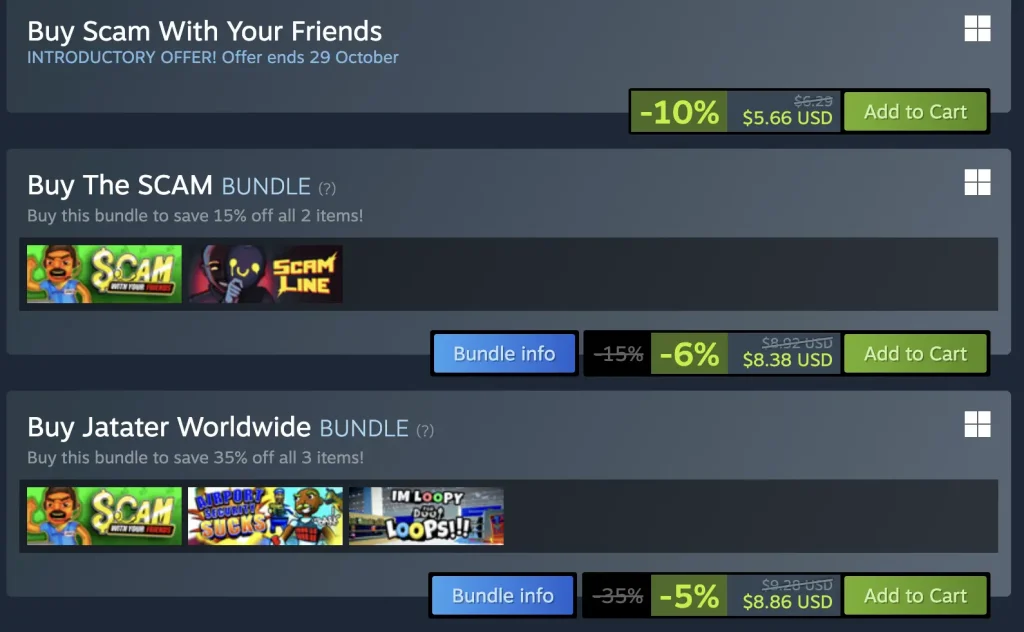
Scam With Your Friends is a paid game, so it must be purchased before it can be downloaded to your Steam library.
How to Download on Windows PC
- Open Steam on your Windows PC.
- Sign in to your Steam account.
- Search for Scam With Your Friends.
- Open the game page.
- Purchase the game.
- Go to your Steam Library.
- Select Scam With Your Friends.
- Click Install.
- Choose the installation location.
- Wait for the download to finish.
Once the download and installation are complete, click Play to launch the game.
Can You Download It on Mac?
A native macOS version is not currently listed for the game. Mac users should check the official Steam page for future platform updates.
Is Scam With Your Friends Available on Android or iPhone?
The original PC game does not currently have an officially confirmed Android or iPhone version. Avoid websites advertising unofficial APK or iOS files as the original game unless the developers officially announce a mobile release.
Before You Download
Make sure your PC has enough available storage, a compatible version of Windows, and a stable internet connection. You should also check the latest system requirements before purchasing the game.
Having Download Problems?
If Steam is not downloading the game correctly, try restarting Steam, checking your internet connection, confirming that you have enough storage space, and verifying that Steam is fully updated.
You can also read our Common Problems and Solutions section for additional troubleshooting help.
Final Note
Scam With Your Friends should be downloaded through its supported distribution platform. Always check the latest platform availability and requirements before purchasing or installing the game.